Personalized business platform that follows the way your business works.

Corvis is configured per business: the modules you use, the words your team already knows, the billing flow, and a look that carries your name. From one outlet to a group with many legal entities.

Cloud or your own server, with tenant data isolated at the database level.

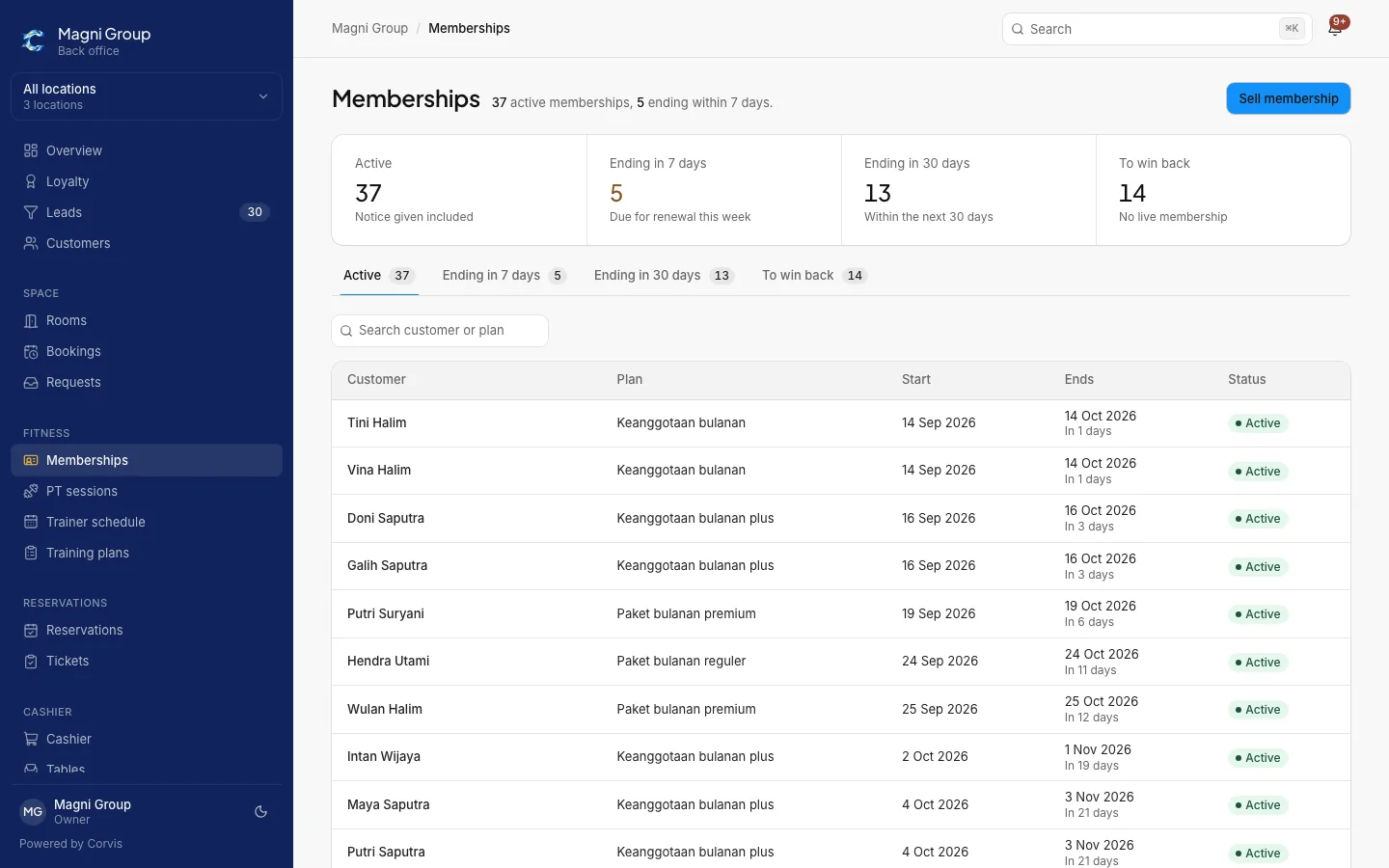
Memberships
Memberships screen: active members, ending in 7 and 30 days, and the member list with status
Customers are called
Members
Staff are called
Trainers
Active modules
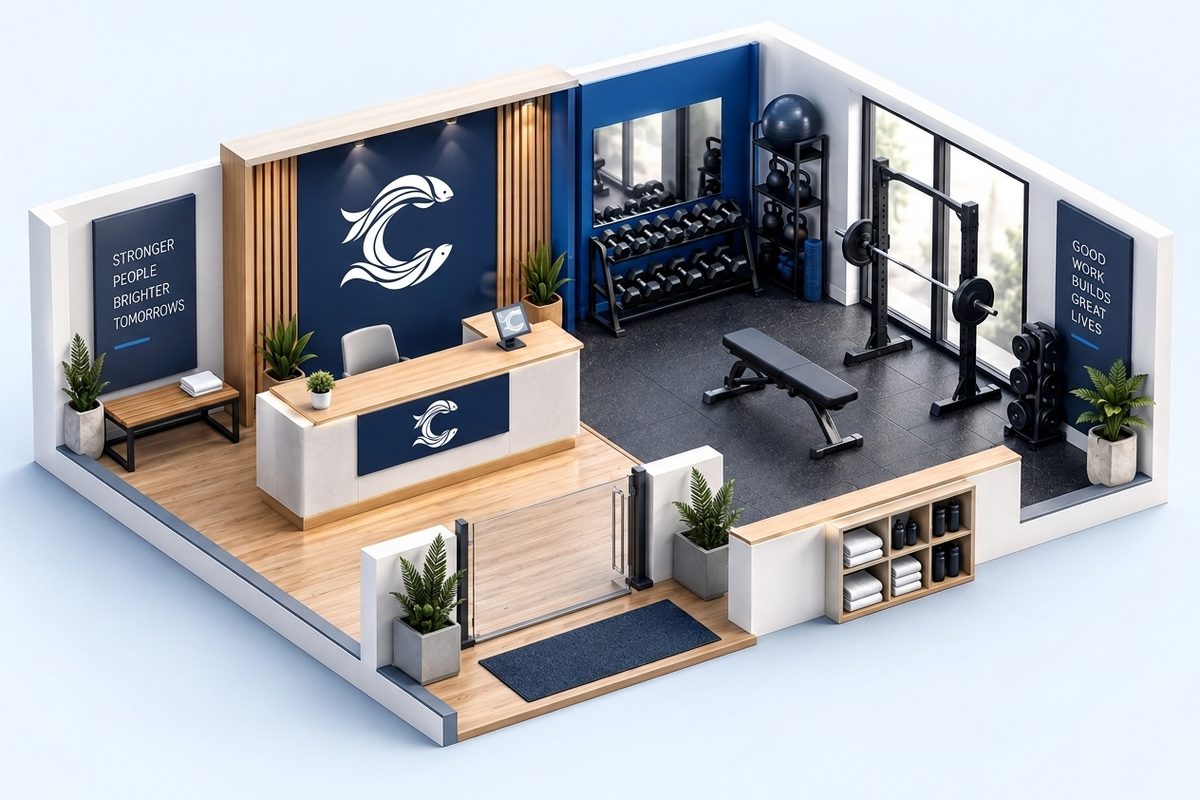
Memberships, PT packages, trainer schedule, training plans
  • One customer record for every module
  • One billing flow from invoice to receipt
  • WhatsApp reminders with delivery status
  • Reports per outlet and legal entity
7
business types configured from one product
15+
outlets and many legal entities per account
1
customer record across every module

Shaped to fit your business.

Every edition runs on one codebase, one layout, and one customer record. Only these three things differ.

Modules

Turn on what you use, hide what you do not. New modules can be added as the business grows.

  • Memberships and PT packages
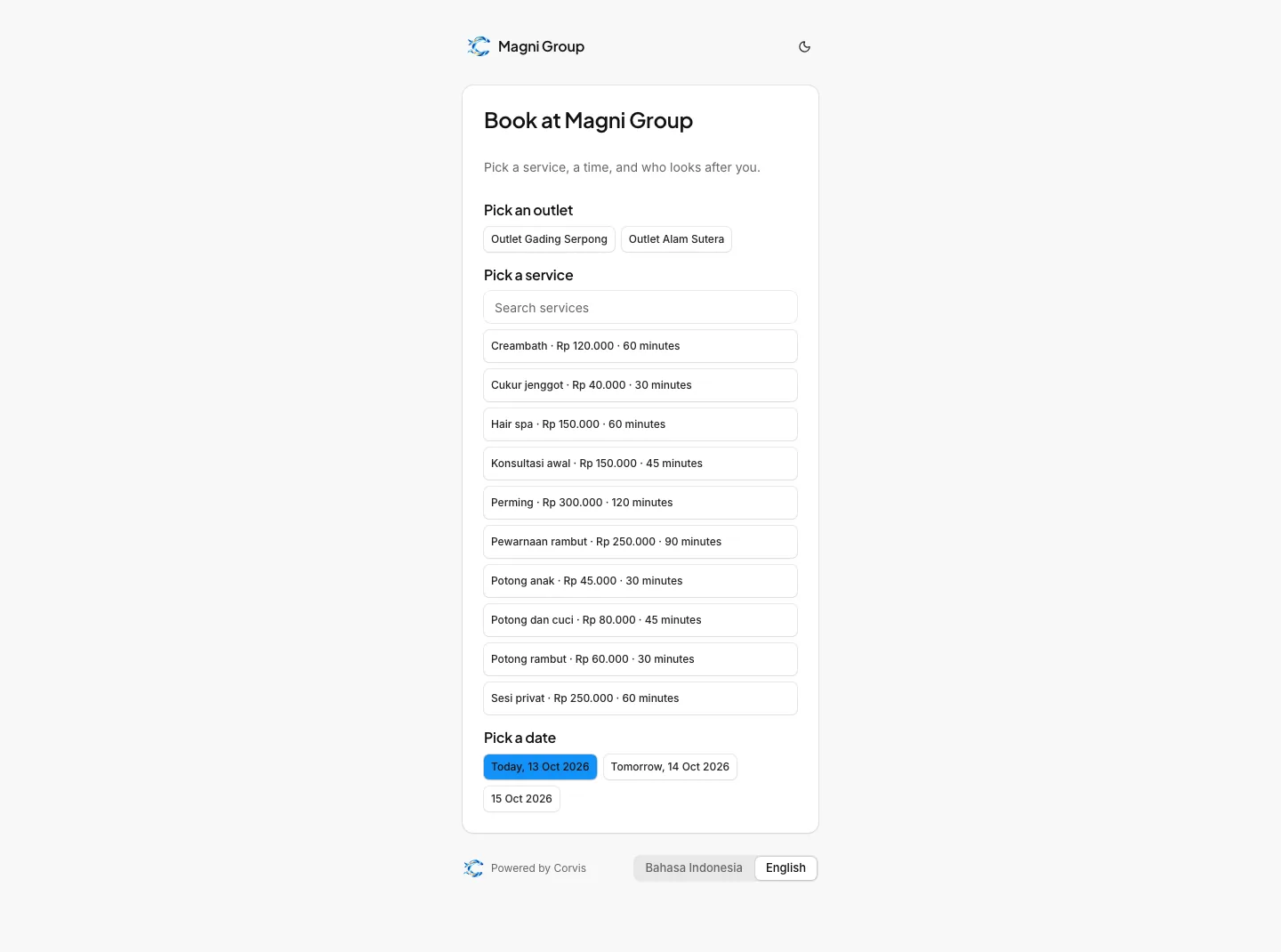
  • Reservations, tickets, and public booking
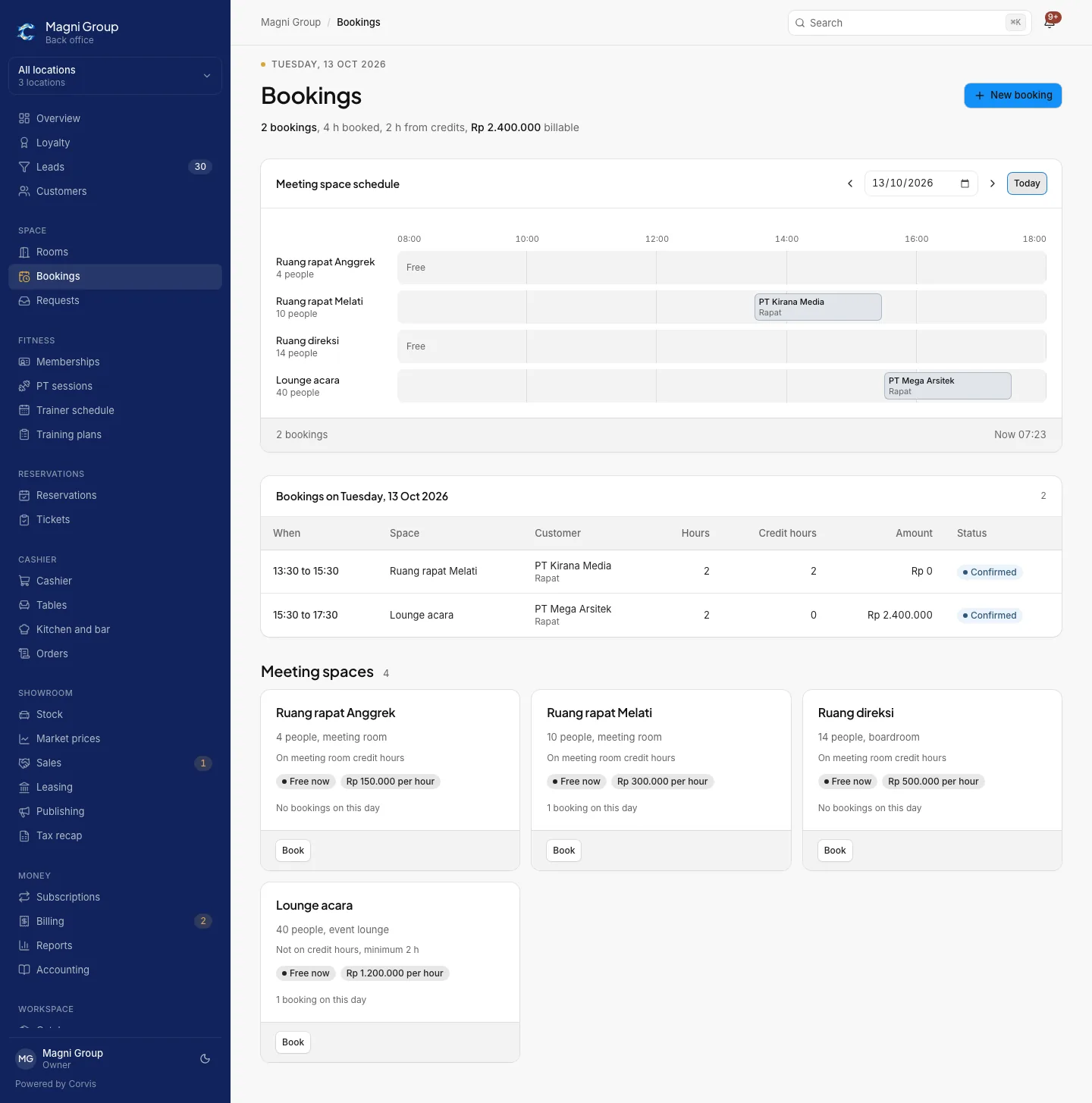
  • Rooms and meeting bookings
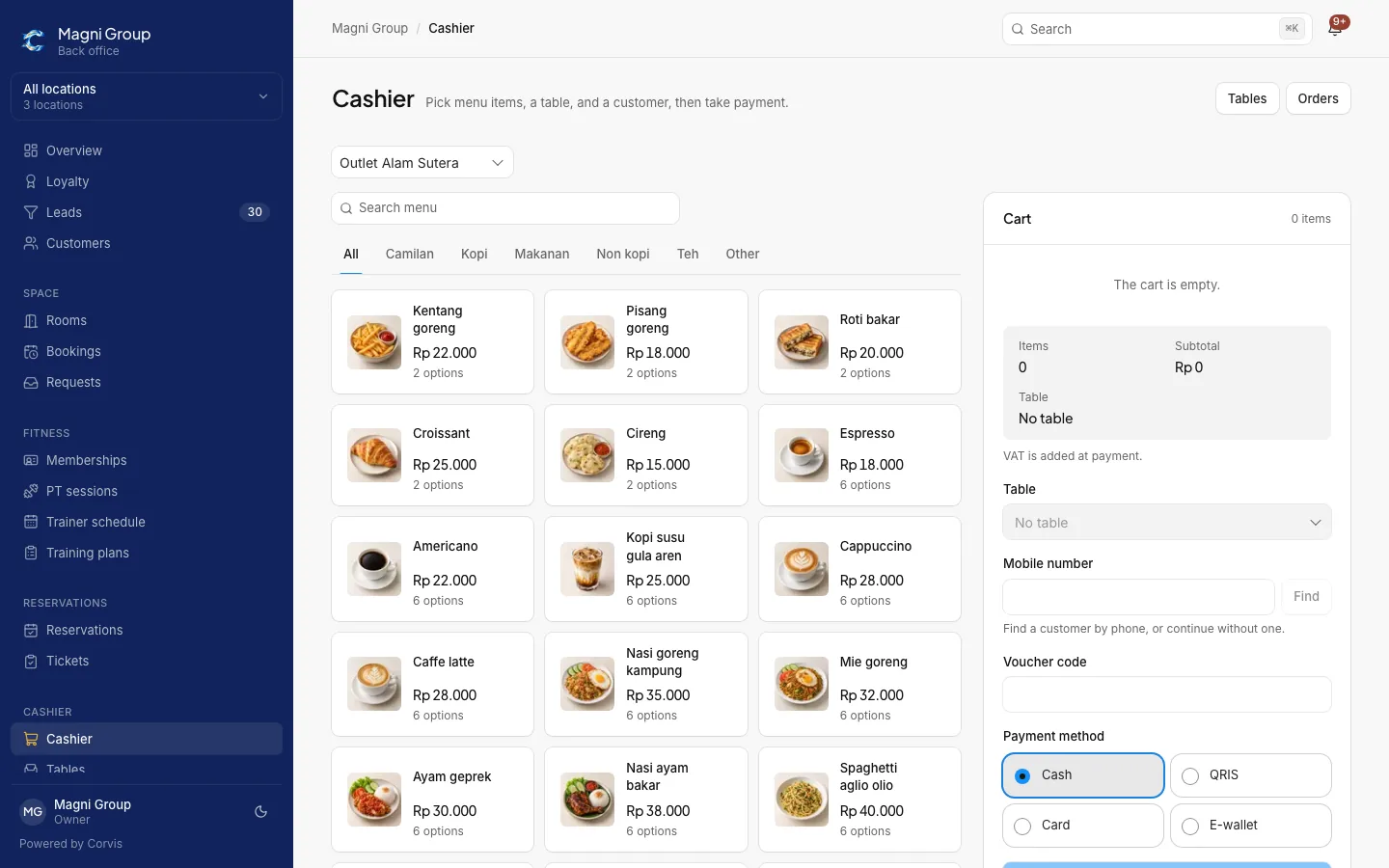
  • Cashier, tables, kitchen and bar
  • Loyalty and vouchers
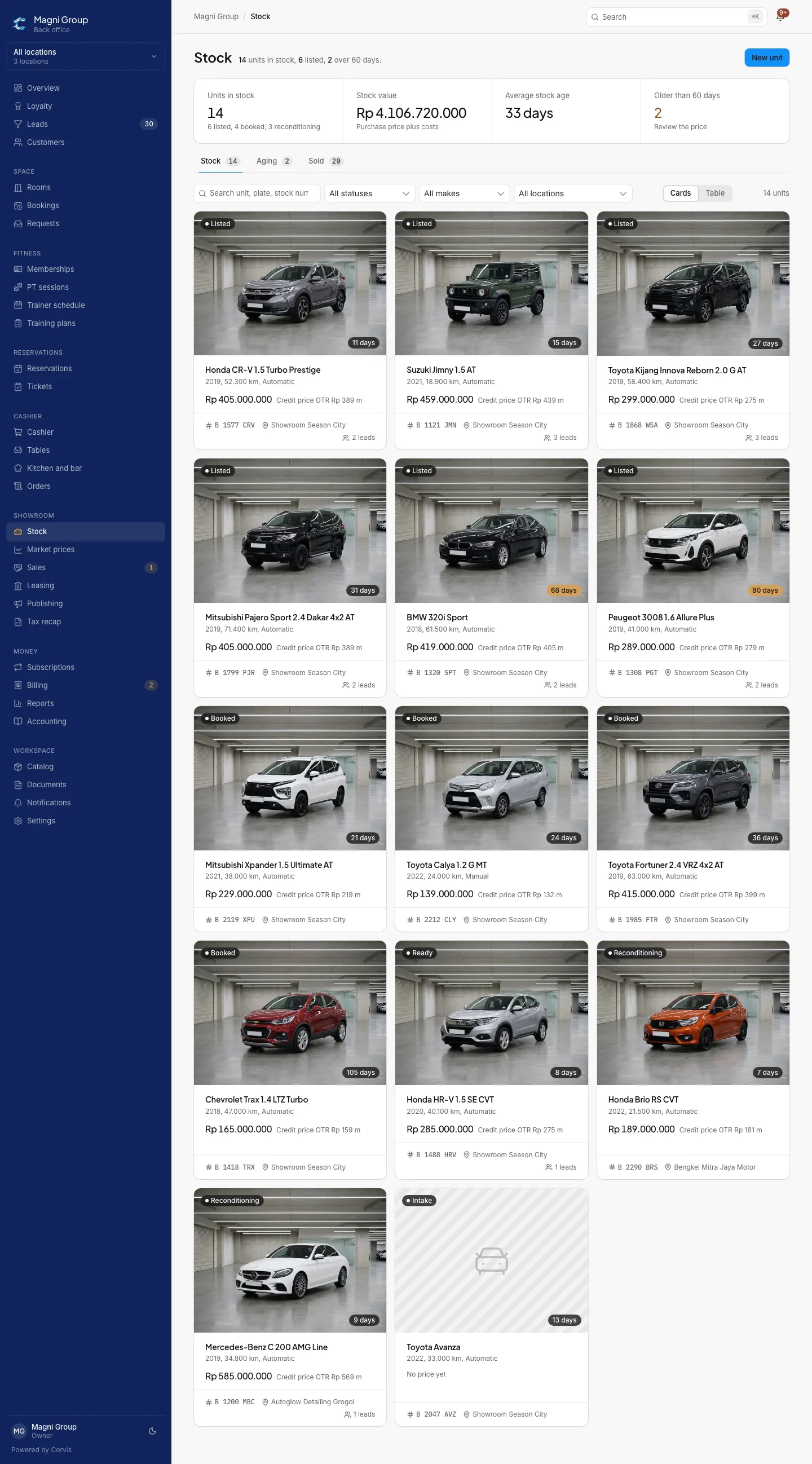
  • Showroom stock and deals

Vocabulary

Your team reads the words they use every day, not system terms.

  • Members, Tenants, Patients, or Customers
  • Trainers, Barbers, Practitioners, or Cashiers
  • English and Indonesian

Look and address

Customers see your brand on every page they open.

  • Logo and colours per tenant
  • A web address of your own for every tenant
  • Your own domain on selected plans
  • Public booking and invoice pages in your name

One customer record for everything.

Packages, bookings, cashier orders, and invoices all land on one customer, so reports, reminders, and loyalty never disagree.

  1. CustomerContacts, documents, history, and the sales pipeline.
  2. Package or bookingSubscriptions, sessions, reservations, or cashier orders.
  3. InvoiceSequential numbering, VAT, withholding tax, approval for special prices.
  4. PaymentTransfer, QRIS, cash, and payment links through Xendit or Mayar.
  5. ReminderWhatsApp and email, from 3 days before to 7 days after, delivery status recorded.
  6. ReportPer outlet and legal entity, CSV export for bookkeeping.
PackagesBookingsCashierBillingRemindersReportsLoyaltyCustomer record

Built for daily work.

Screenshots from a demo tenant. Sample data, not customer data.

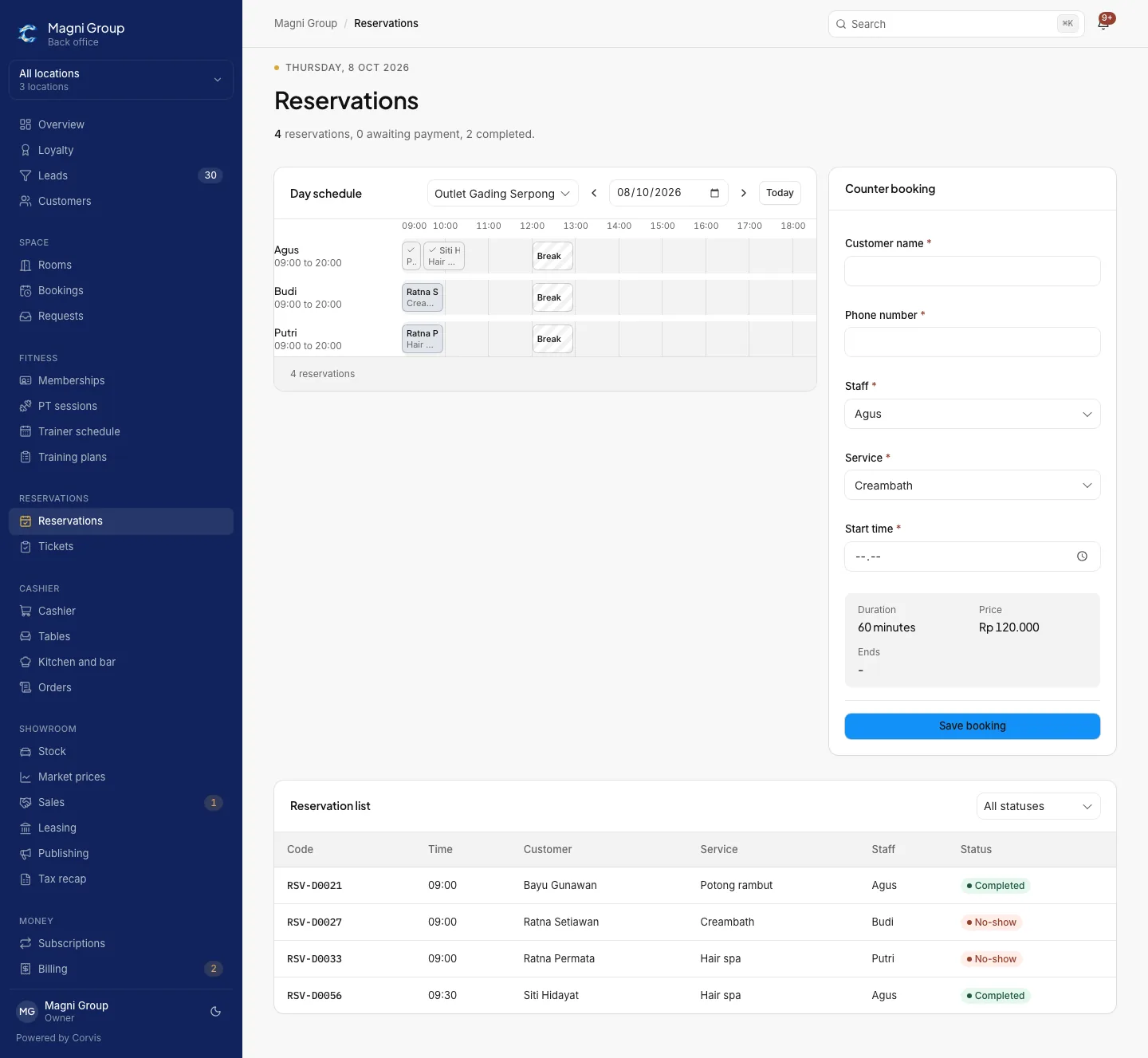
A daily board per staff member

Staff and working hours sit in one grid. A counter booking works out the duration, price, and end time on the spot.

  • Board per outlet with breaks and time off
  • Counter booking picks the service, staff, and time
  • Reservation list with confirmed and cancelled status
Reservations
Daily reservation board with staff schedules, counter booking, and the reservation list
ReservationsA counter booking works out the duration, price, and end time.

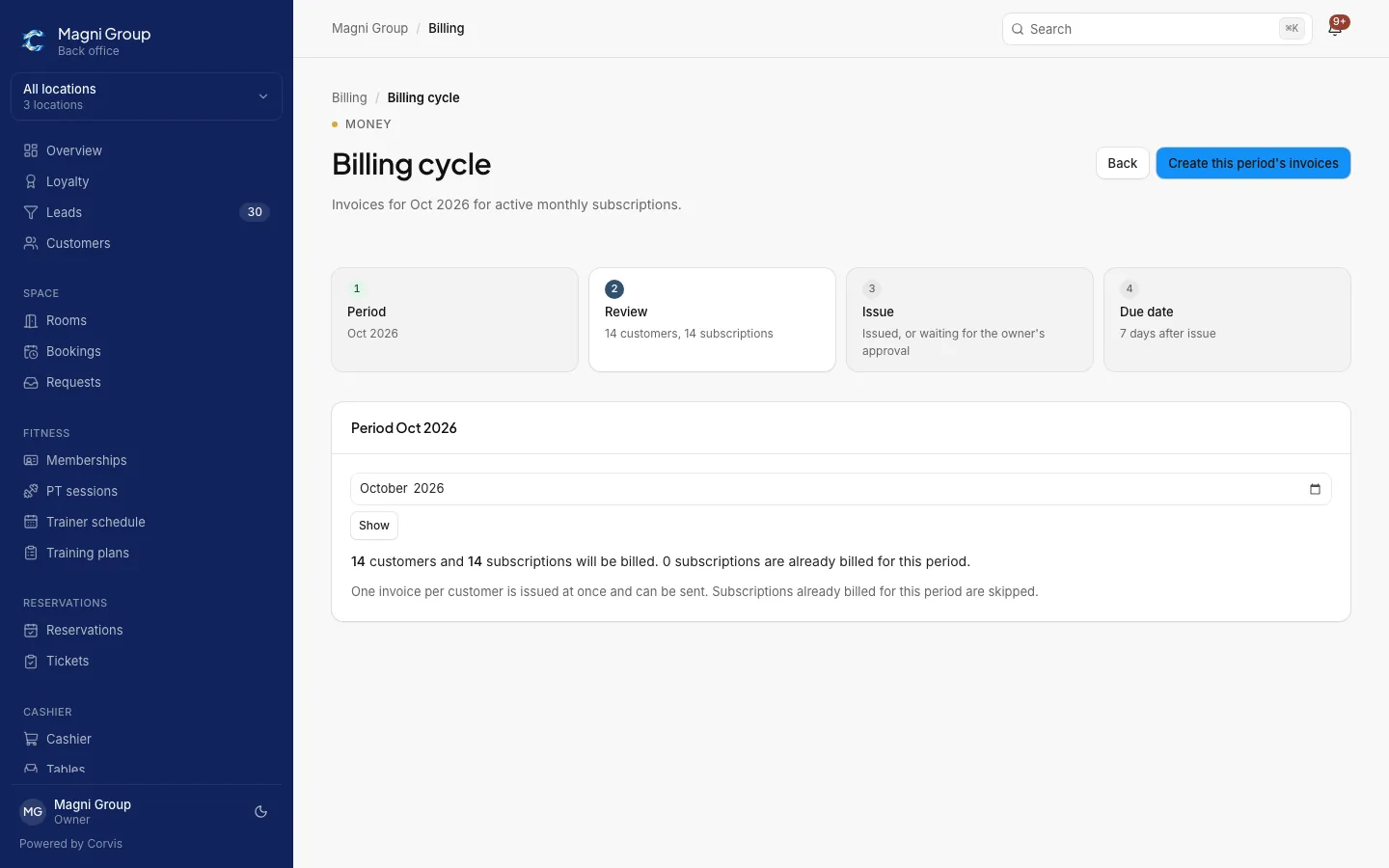
Monthly billing from one board

Invoices gather per period. Unpaid and overdue show separately, and reminders run on their own.

  • Billing cycle per month, previewed before it runs
  • Invoices and receipts as PDF with sequential numbers
  • One payment link active per invoice
Billing cycle
Billing cycle board with the invoice list and payment status
Billing cycleUnpaid and overdue show separately.

Grows with your business.

Start small, grow without changing systems. Only the scope changes.

What changes

Start

One outlet, one team

Growing

Several outlets, one entity

Group and enterprise

Many business units and legal entities
Outlets12 to 1515 or more, across business units
Legal entities11Many, invoices in the name of each
UsersOwner, management, staffRoles per outletRoles per outlet and business unit
Web addressAn address under CorvisYour own domainYour own domain per unit where needed
HostingShared cloudShared cloudDedicated instance or your own server
PaymentsPayment links through Xendit or MayarPayment links through Xendit or MayarBank account and payment links per entity
Starting withCustomer import from a spreadsheetSetup per outletData migration and training per unit
Pricing follows the number of outlets, the edition, and the modules in use. A written quote follows the demo.

For groups and enterprises.

One account for every business unit, with clear boundaries between entities.

  • Legal entitiesInvoices, tax IDs, and bank accounts in the name of the entity that bills.
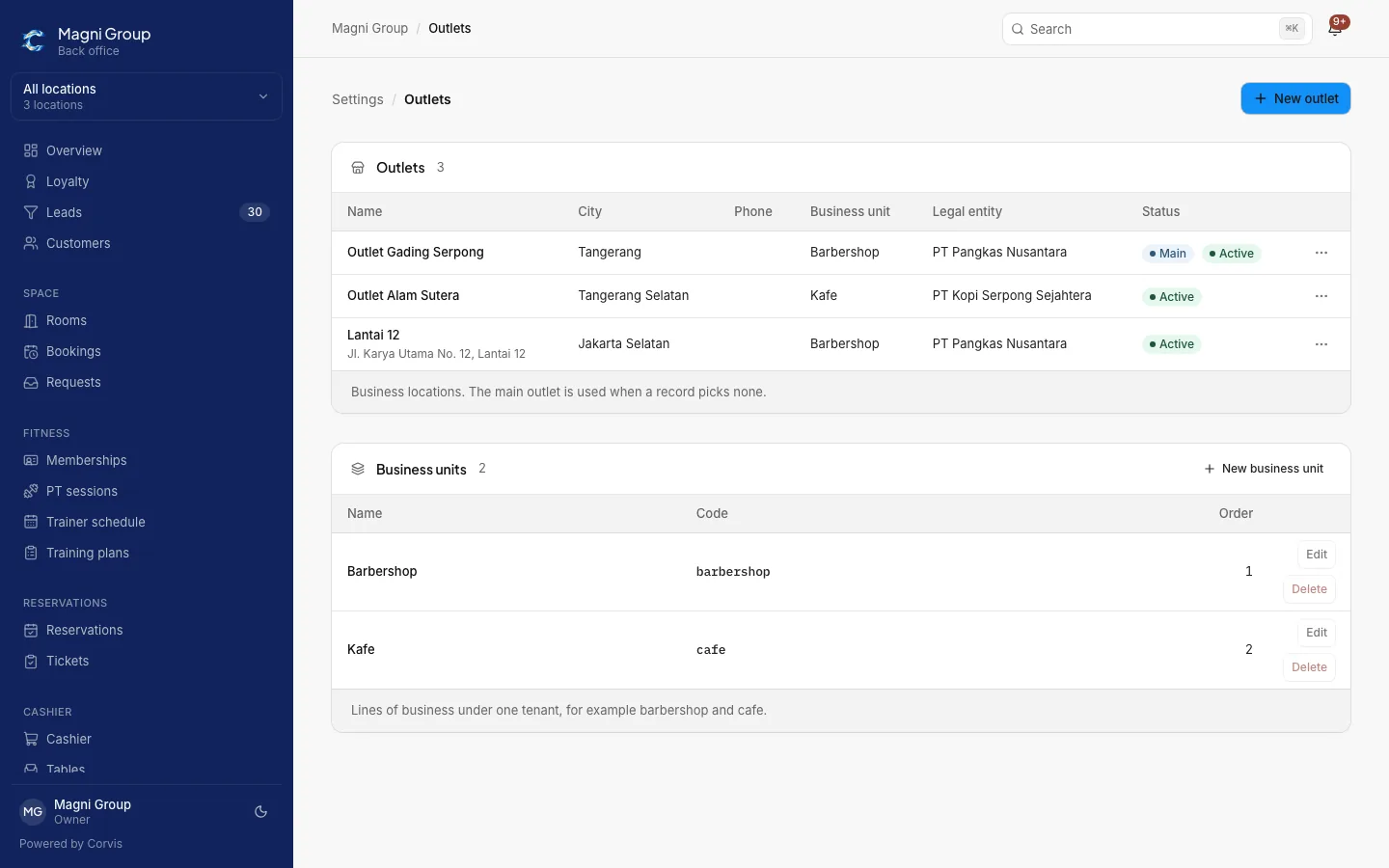
  • Business units and outletsA barbershop and a cafe in one group, one customer list, one loyalty ledger.
  • Roles per outletStaff only see the outlets and data assigned to them.
  • Audit logWho changed what, per tenant, available to the owner.
  • Isolated dataTenant isolation at the database level, servers in Jakarta, backups in Indonesia.
  • Dedicated instanceA separate instance or your own server with a monthly maintenance contract.
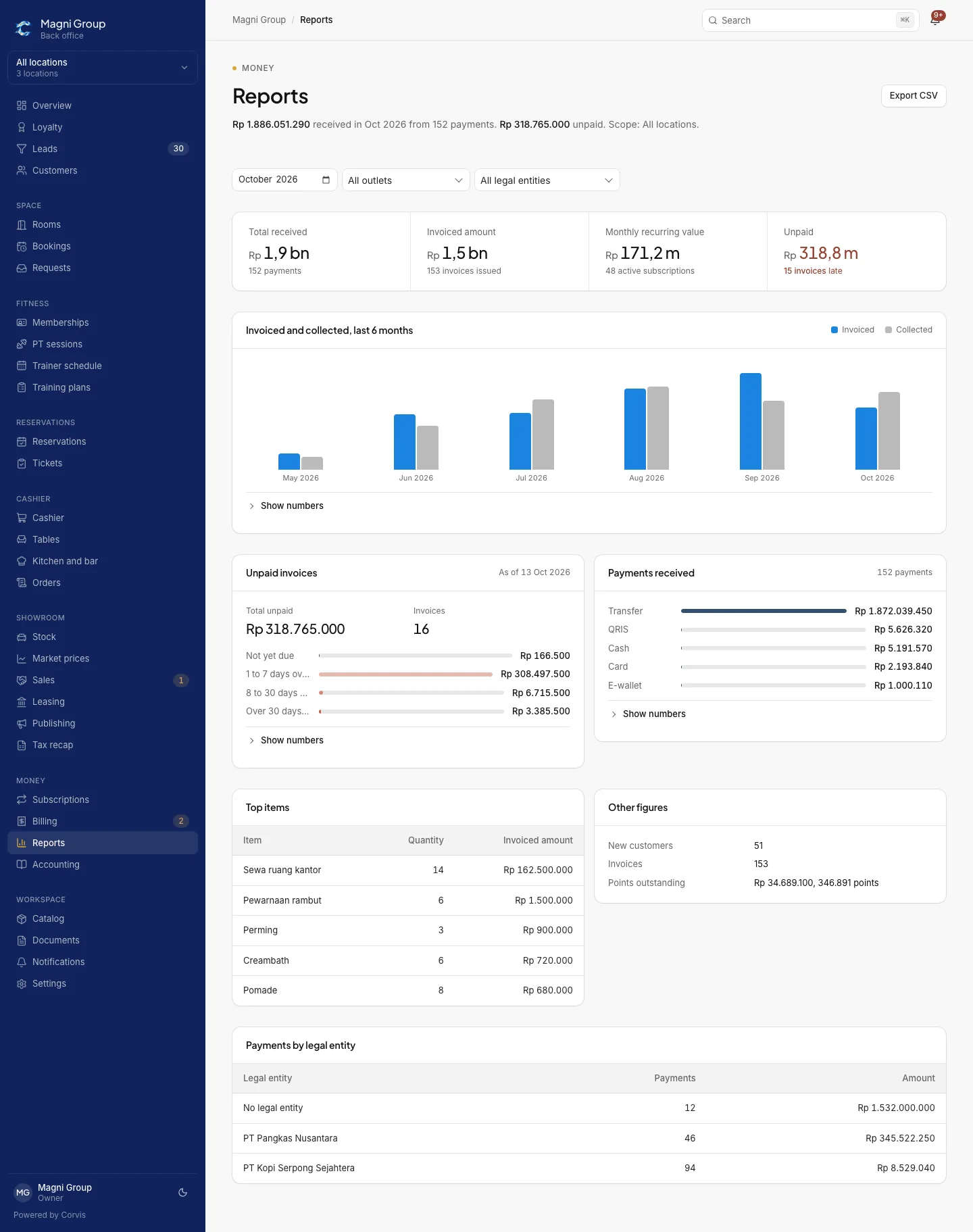
Reports
Monthly report with outlet and legal entity filters, total received, and a six-month chart
ReportsFilter per outlet and per legal entity, CSV export.

Three steps to go live.

  1. 01

    A 30-minute demo

    We show the edition that fits your business type, with sample data.

  2. 02

    Catalog and data setup

    Packages, services, staff, and the first customers come from the lists you send.

  3. 03

    One full period

    Billing, reminders, and reports are checked together until one period closes cleanly.

Questions we get asked

How much does it cost?

Pricing follows the number of outlets, the edition, and the modules in use. A written quote follows the demo.

Can we move from an old system or spreadsheets?

Customers are imported from a spreadsheet. Data from other systems is mapped during setup and checked together before use.

Does it work for many outlets and many companies?

Yes. One account holds many outlets and legal entities. Invoices are issued in the name of the entity that bills, and staff access is limited per outlet.

Where is customer data stored?

On servers in Jakarta with backups in Indonesia. Each tenant's data is isolated at the database level. A dedicated instance or your own server is available for groups.

Is there any AI we have to use?

No. Corvis runs without AI. An AI assistant is planned as a separate add-on.

See Corvis with your own business data.

Send your business type, number of outlets, and main services. We reply with a 30-minute demo slot.